
I went to pottery class today and opened by asking several of my classmates if they knew how to use the slab roller upstairs. Nobody did but everyone wanted to, so when the teacher got in I’m like “hey teach, do you know how to use the slab roller upstairs” and she’s like “no” (she’s a visiting artist who only got here a couple months ago so this is not very surprising) “but I’ve used a lot of different ones and I bet we can figure it out.” Me: “do you want to go on a Journey of Discovery?” Everyone: yes. YES. *cue sickos faces* so we all thunder up the stairs periodically shouting JOURNEY OF DISCOVERY and our teacher snags another person who uses the slab roller A Lot and this person gives us a very thorough lesson and demonstration and every so often someone else wanders through and asks what’s happening and we all go JOURNEY OF DISCOVERY at them and now everyone knows how to use the slab roller and honestly I cannot recommend this approach enough as a way to make learning new skills and life generally more exciting.
Search
Items tagged with: LifeHack

I put my mouse in the microwave !!
Seriously. I have a bluetooth mouse that wouldn't enter pairing mode. It was connecting to *something*... maybe a smart switch or whatever. This cheap mouse has no way to enter pairing mode if it's connected to something.
So anyway, a microwave oven is a faraday cage. I turned the mouse on, tossed it in, shut the door and waited. It entered pairing mode quickly, and boom, connected to my tablet.
A+++ life hack by yours truly. Just don't start the nuker or magic smoke will come out 😆
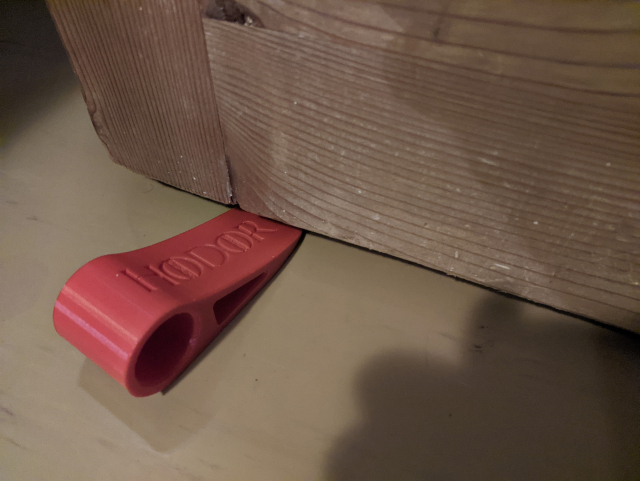
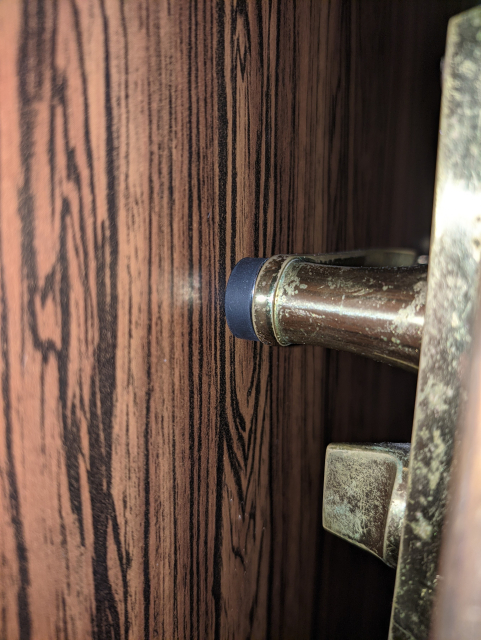
I was using 3D printed door stopper (hodor) to secure doors open.
But then we got a robot vacuum cleaner, which pushes the hodor away and closes itself (and also @ofi 😾) behind the door.
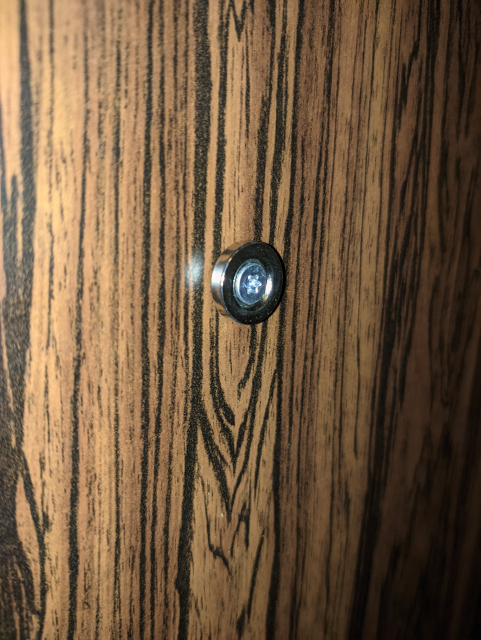
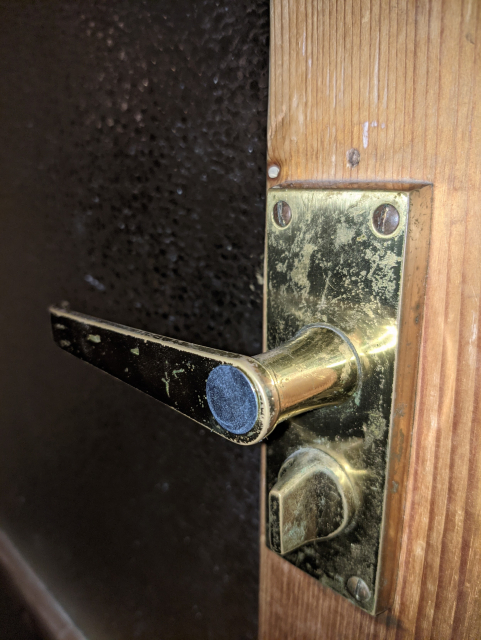
Solution: magnet!
It does not suit all situations, but it works here with the wardrobe behind the door.
🧲🚪✅
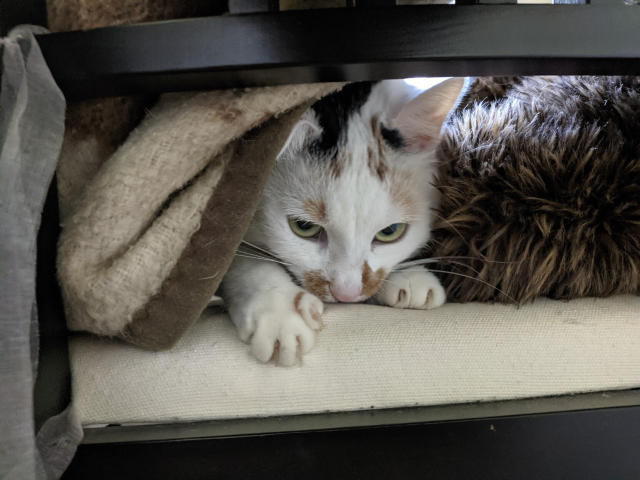
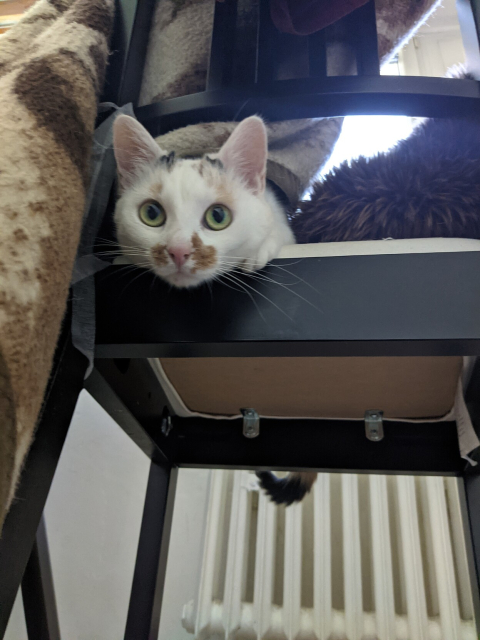
😺 #Cat #CatLife #LifeHack #CatsOfMastodon



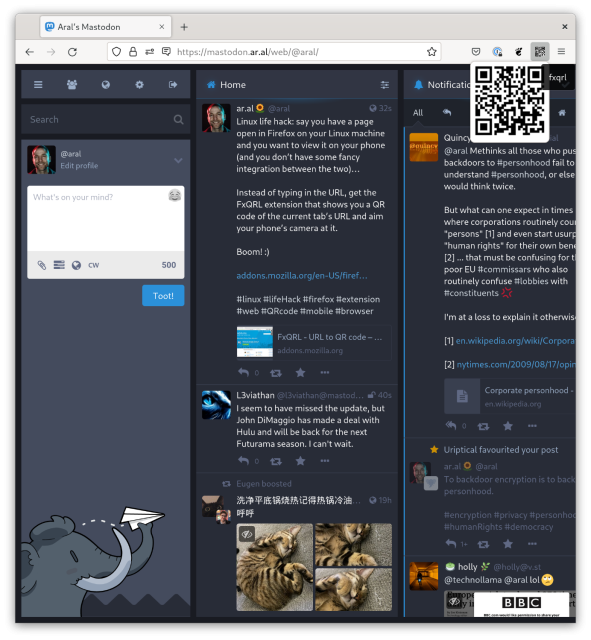
Linux life hack: say you have a page open in Firefox on your Linux machine and you want to view it on your phone (and you don’t have some fancy integration between the two)…
Instead of typing in the URL, get the FxQRL extension that shows you a QR code of the current tab’s URL and aim your phone’s camera at it.
Boom! :)
addons.mozilla.org/en-US/firef…
#linux #lifeHack #firefox #extension #web #QRcode #mobile #browser
FxQRL - URL to QR code – Get this Extension for 🦊 Firefox (en-US)
Download FxQRL - URL to QR code for Firefox. Turns your URLs into QR code images using built-in library, no network connection is made in this add-on.addons.mozilla.org