Search
Items tagged with: iphone


For those using Braille Screen Input on the iPhone, did you know that there are navigation gestures now? You can move around the text by character, word, or line. Here is how it is done.
1, In Braille Screen Input, hold one finger down on any dot. You must keep that finger down during the whole process.
2, It will make a couple of beeps, then say, Exploring mode. This is the mode it has to be in, in order to move the cursor around. If you left your finger off the dot, it will leave exploring mode, so again, keep it held down.
3, Here is the 3 gestures needed. They all use 2 fingers.
2 finger flick up and down moves between navigation types; character, word, or line.
2 finger swipe to the left, moves cursor forward or right by character, word, or line.
2 finger swipe to the right, moves cursor backwards or left by character, word, or line.
This is been demonstrated on several podcast, here is a link to one of those demonstrations. #iPhone #BrailleScreenInput #navigatingText #PodcastLink overcast.fm/+mZq2BorXc/42:30
1, In Braille Screen Input, hold one finger down on any dot. You must keep that finger down during the whole process.
2, It will make a couple of beeps, then say, Exploring mode. This is the mode it has to be in, in order to move the cursor around. If you left your finger off the dot, it will leave exploring mode, so again, keep it held down.
3, Here is the 3 gestures needed. They all use 2 fingers.
2 finger flick up and down moves between navigation types; character, word, or line.
2 finger swipe to the left, moves cursor forward or right by character, word, or line.
2 finger swipe to the right, moves cursor backwards or left by character, word, or line.
This is been demonstrated on several podcast, here is a link to one of those demonstrations. #iPhone #BrailleScreenInput #navigatingText #PodcastLink overcast.fm/+mZq2BorXc/42:30
Episode 205 of the Mosen at Large #Podcast is now available wherever you get podcasts. My most bizarre #Windows experience ever, the real-world impact of #iOS bugs, how to maintain maximum #iPhone battery health for years, and #audiobooks on the BlindShell Classic 2. Plus, if a hotel has discriminated against you because of a guide dog but apologise, would you go back? mosen.org/episode-205-my-most-…
Episode 205: My most bizarre Windows experience ever, the real-world impact of iOS bugs, how to maintain maximum iPhone battery health for years, and audiobooks on the BlindShell Classic 2
Kia ora Mosen At Largers. A reminder that this podcast is indexed by chapter. If you listen with a podcast client that offers chapter support, you can easily skip between segments. We also make tra…Mosen At Large
Avoiding USB-C on iPhones may get harder for Apple as Brazil considers mandate
#smartphones #Policy #Brazil #iphone #apple #USB-C #Tech #USB
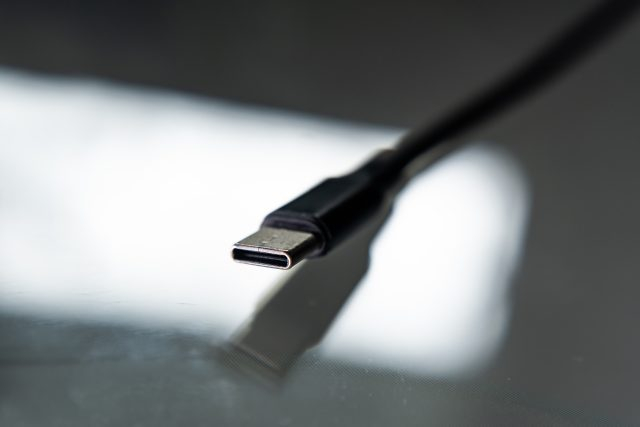
Avoiding USB-C on iPhones may get harder for Apple as Brazil considers mandate
Brazil joins EU and efforts from US politicians in universal charger push.Ars Technica