The official Mastodon app seems to have a bug when posting an image. Sometimes it will let you compose the post but when you add the image, the Publish button is greyed out. There are other apps that are good, for example, Metatext and Toot! on iOS, and Tusky on Android.
-----------------------------------------------------
There is an Advanced web interface that looks like Tweetdeck. You can enable it in Settings, Appearance.
-----------------------------------------------------
Putting plain text into the 'Search or paste URL' box at the top left of the web interface shows results from your own posts or posts that you have boosted, favourited, or been mentioned in. You can also search for user names, display names, and hashtags located in the body of posts. Putting a hashtag into a Content Warning doesn't work. It won't be clickable and might not be searchable unless someone else has used it in the body of a post.
-----------------------------------------------------
If you find a post on another Mastodon instance and want to boost it on your own instance, click the … menu and then Copy Link. Go back to your own instance, paste the link into the Search box and press Enter. The post will appear below the Search box, and you can boost it from there.
-----------------------------------------------------
You can create Filters to block posts containing certain pieces of text from being displayed in your Home feed. If you want, the filter can hide the post behind a Content Warning so that you can decide whether to view it or not.
-----------------------------------------------------
In the Advanced web interface, you can search for a hashtag, click the result and it will appear in its own column. You can then click the column settings icon at the top right and Pin the column. You can add more tags to the same column, if you like.
-----------------------------------------------------
If you boost a post and the author edits it, you will get a notification so that you know that it has been edited.
-----------------------------------------------------
It's the custom on Mastodon that if you're posting about Mastodon itself, you put a context warning (CW) of "Meta" so that people's timelines aren't flooded with things they don't want or need to see. Likewise, posts about Twitter can be hidden behind a CW: Twitter (or birdsite, birbsite, hellsite, tw). "CW: meta, bird" should be an obvious one.
-----------------------------------------------------
When you're writing hashtags that are a combination of several words, please use "camel case" (#CamelCase) so that screenreaders used by people with impaired vision can pronounce them properly.
-----------------------------------------------------
Mastodon has its own thread unroller: mastodon.social/@threadunrolle…
-----------------------------------------------------
If you go into Settings in Mastodon's web interface and click on Other, you'll see a list of languages at the bottom which you can use to control which posts you'll see.
This works well if you select which language your own posts are in. If you make a post in a different language from your default, select that language using the button at the bottom of the edit box before you post. This way, it can be filtered out on other people's feeds if they choose not to see posts in that language.
-----------------------------------------------------
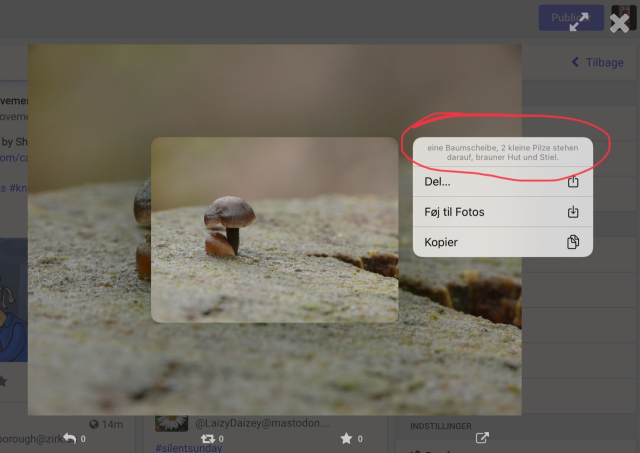
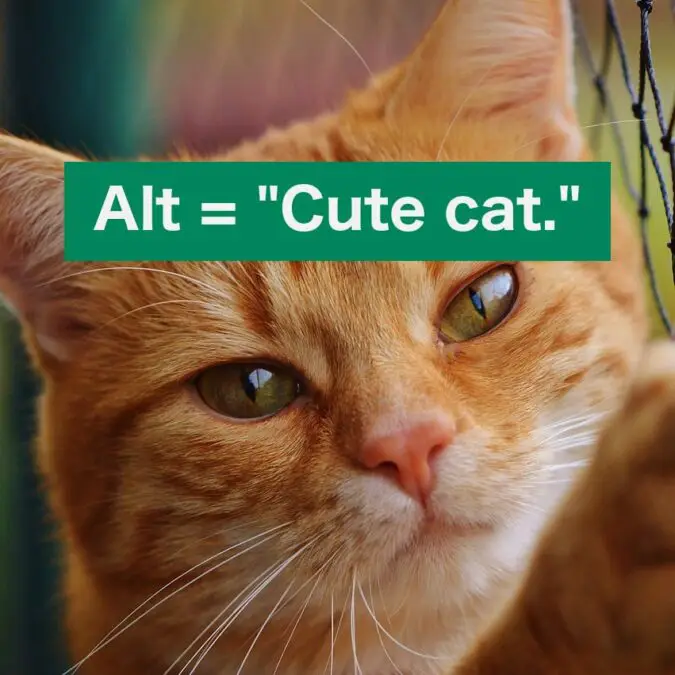
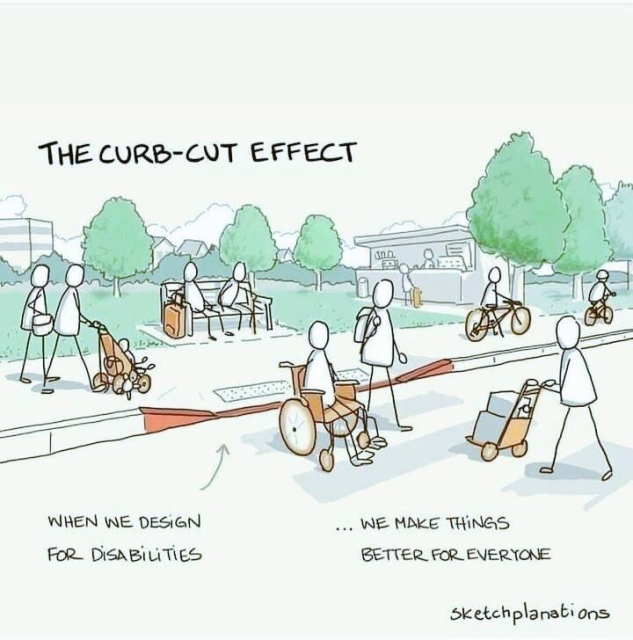
When posting images, please add Alt Text. This allows sight-impaired people using screenreaders to know what is in the pictures. Let's keep the Fediverse friendly to everyone.
-----------------------------------------------------
Please use a strong password to log in to your server. If you haven't already done so, make sure you have activated 2-Factor Authentication (2FA) in your Settings. This will keep you and everyone else safe. There are a number of good 2FA apps available in the Apple and Google app stores. In fact, iCloud Keychain on an Apple device can be used to generate 2FA keys. See this article for details: appleinsider.com/inside/icloud…
-----------------------------------------------------
#MetaText #Toot #iOS #Android #Tweetdeck #searching #hashtags, #ContentWarning #filters, #boost #notification #meta #CamelCase #ThreadUnroller #languages #AltText #security
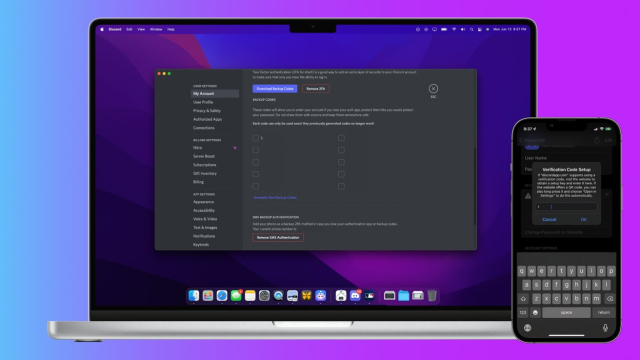
You can balance both account security with the convenience of autofill when you set up two-factor authentication in iCloud Keychain. Here's how to do it.
Darryl Boxberger (AppleInsider)



![Illustration titled "The four ages of white innocence:
[A white child]: too young to understand
[A white teenager]: made a youthful mistake
[A white adult]: listening and learning
[A white elder]: from a different time](https://fedi.ml/photo/preview/640/386458 "Illustration titled \"The four ages of white innocence:
[A white child]: too young to understand
[A white teenager]: made a youthful mistake
[A white adult]: listening and learning
[A white elder]: from a different time")