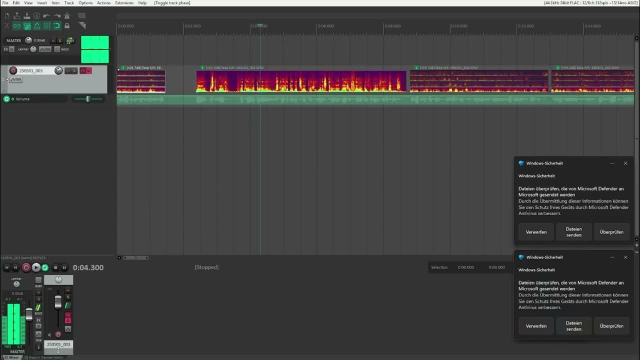
Its new video time again folks. Did you know that with REAPER version 7.42 a new scrubbing mode got introduced? No? My newest video tells you all the differences between the three available REAPER scrubbing modes, how they can be used and what neat little keystrokes we now got on the OSARA keymap to make our lifes so much easier. Plus, I give you a demo on how I use them when editing VoiceOvers. Enjoy. youtube.com/watch?v=a0HbxFOm9K…
reshared this

Current digital infrastructure is to a large degree built on layers and layers of open source, and yet a substantial part of this open source is built and maintained by enthusiasts or other financially and resource-constrained teams. Funding options like the EU-STF proposal can truly help enforce the ecosystem and offer new paths towards sustainability.

eu-stf.openforumeurope.org/

Archaeologists Just Pulled Pieces Of The Lighthouse Of Alexandria Out Of The Mediterranean Sea

By Ainsley Brown

allthatsinteresting.com/lighth…

#archaeology #history

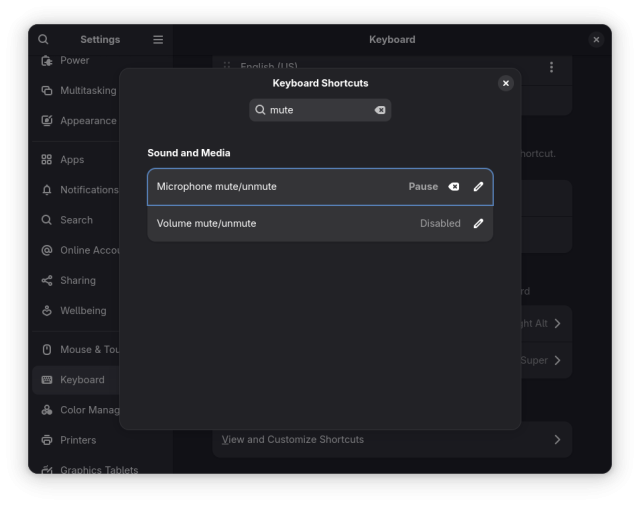
My pro meeting audio tip for #GNOME users: map an unused top-right corner keyboard key as global shortcut for (un)muting the microphone, then paper-sticker-label it.
Now no need to have the meeting browser tab focused (or to remember each conferencing app's shortcuts) to toggle your microphone input.

The recording indicator in the top-right of your screen in GNOME reflects that change, although a bit too subtly. Up for grabs for newcomers: gitlab.gnome.org/GNOME/gnome-s…

#meetings #videoconferencing

This entry was edited (5 months ago)

About a year and a half ago, I bought a cheap rechargeable electric screw driver on Amazon, which I really don't like much, mostly because it's switch is one of those round ones near the shaft. Give me a trigger, or a rocker switch, or... just about anything else.

Anyway, I only just discovered last night that it has a button that beeps when pressed. I assume it's maybe a light. Can't se itt, don't know.

Two questions, though:
1. Why bother beeping at all?
2. Why is this beep so sad?

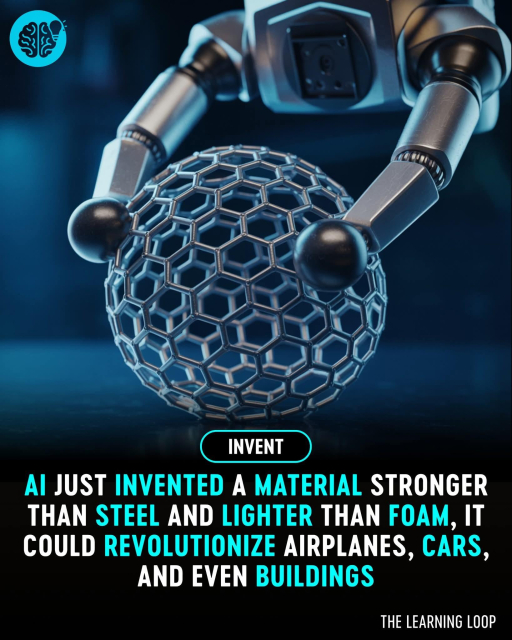
Scientists have reached a stunning milestone by using artificial intelligence to invent a brand new material that is as strong as carbon steel but lighter than foam. Developed by teams at the University of Toronto and Caltech, this next-gen material was not found through trial and error, but entirely imagined by AI. The breakthrough offers a glimpse into a future where machine intelligence doesn't just enhance human ideas, it creates its own.

The research team trained their AI models on how different microstructures behave under extreme stress. Then, without human interference, the AI generated completely new lattice patterns optimized for maximum strength and minimal weight. Once 3D printed, these nanolattices were tested in the real world and outperformed anything previously known boasting up to five times the strength of titanium, yet remaining ultra lightweight. This solves a major challenge in material science: making something that’s both tough and flexible without being brittle.

Applications for this discovery are vast. Swapping out titanium in aircraft could save up to 80 liters of fuel per kilogram annually, according to the research. The material’s potential impact spans aerospace, automotive, architecture, and beyond. With production scaling on the horizon, this AI-designed innovation might redefine how we build the world around us, stronger, lighter, and smarter than ever before.
Sources: PMID 39846271, PMCID PMC11983246

reshared this

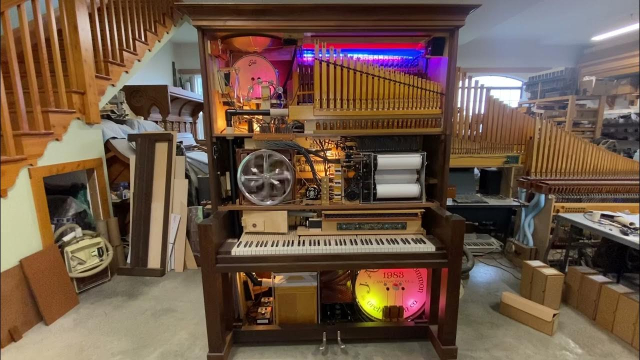
YouTube recommended this video to me the other day, and I absolutely love it, an orchestrion playing a Big Band music roll. It's incredible what these mechanical instruments can do! youtube.com/watch?v=h_Nd1Qo0YD…

NVDA 2025.2 Beta 4 is now available for testing!

Read more & Download at:
nvaccess.org/post/nvda-2025-2b…

Changes in Beta 4:
- Fixed retrieving some text in object navigation / review cursor
- Added a warning before installing or updating NVDA on the controlled end of an NVDA Remote Access connection.
- Removed changes to trusted certificate handling which caused problems with NVDA Remote Access & some add-ons.
- Updates to translations.

#NVDA #NVDAsr #PreRelease #Beta #NewVersion #News #Update

reshared this

in reply to NV Access

How do you stop NVDA from saying "This Page Link" on pages all the time, even though the link it is saying that before announcing is on the same page? Example: I'm on a site called WatZatSong (song identification site I go on frequently). NVDA is saying "Link, link, link" before every link, as it should, but some links it says "This page link" before announcing the link, instead of just "link". It is really annoying and has actually led to me doing things I didn't want to quite a few times because the announcement has thrown me off. How do you stop that from happening? Or is there no way to stop it?

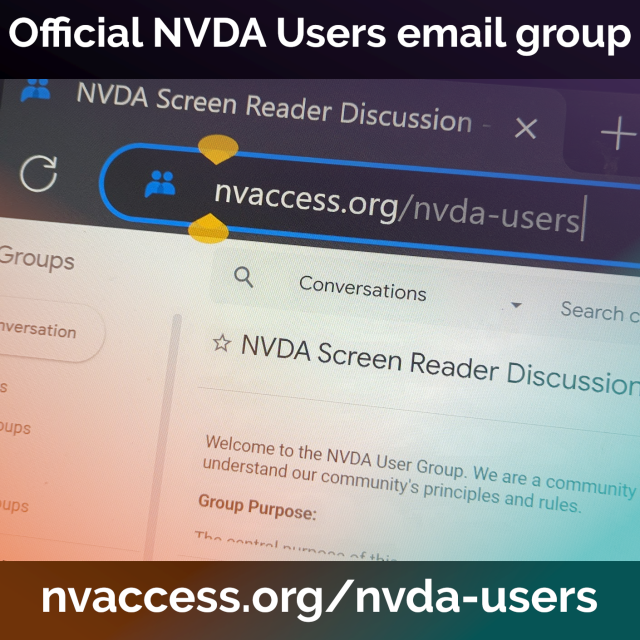
We've made it even easier to get to YOUR official NVDA users email group. Just head to: nvaccess.org/nvda-users

If you haven't yet joined, come join us either on the web, or sign up directly by emailing nvda-users+subscribe@nvaccess.org

Join NV Access staff and the community, ask questions, share tips, and enjoy a friendly and welcoming atmosphere.

#NVDA #NVDAsr #ScreenReader #Community #User #Users #Friendly #Tips #Info #Information

in reply to David Goldfield

@DavidGoldfield Yes this is an alias for the Google Group: groups.google.com/a/nvaccess.o…

I must admit I'm still finding my way around Google Groups features (We've had groups on Google Groups for years, such as our API announcement list, but as that was a smaller, announce only list, these questions hadn't come up). I know there are several "digest" modes (digest is 1 email per day for every 25 message & archive is 1 for every 150 messages). Not sure if you can get just the first in each topic.

Jubilee Nazi has raised almost $25k. There’s always money for hate mediaite.com/media/tv/self-pro…

I’m trying to raise just $6,300 this month to make software that reduces ewaste, empowers disabled folks, protects your privacy, and always asks for your consent

github.com/sponsors/elementary

Please get the word out and spread these articles widely: 404 Media is publishing its ICE coverage in Spanish -- no signups, no paywall.

404media.co/were-publishing-ou…

#ICE #immigration #uspol

Hmm. Character navigation via left/right arrow keys in edit boxes with NVDA, e.g., Windows 10's Notepad, seems noticeably faster if a screen is present, even if it's something like [Virtual Display Driver][1]. Is there a valid reason behind that, @NVAccess, or am I falsely conflating a coincidence?

[1]: github.com/VirtualDrivers/Virt…

This entry was edited (5 months ago)
in reply to x0

Well now I can't seem to reproduce it anymore, or not to the point where I actually notice. Ugh. I could have sworn that Settings didn't have any display resolution when my lid is closed, but looking now, it actually shows as 1920 × 1080. Never mind, then. And while I have no idea what Notepad generation it is, it's the one where the menu bar still exists. @x0 @jcsteh

Mastodon parle français aussi, je suppose.
Alors, se trouve-t-il ici un(e) collegue pour moi ?
Nous cherchons un(e) alternant(e) pour un poste technicien(ne) support #informatique. A #Strasbourg centre, présentiel.

Si / quand j'aurai mon mot à dire sur le recrutement, j’aimerais avoir un(e) collègue débrouillard, proactif(ve) et avec la tête sur les épaules. Après, s’il y a une vraie volonté, c’est un poste qui offre de réelles opportunités d'apprentissage et des projets divers. Ce n'est pas du hotline et pas que du support, mais faut quand même d'être capable de communiquer. (Je parle par l'expérience. Le poste pourrait éventuellement convenir à une alternance niveau bac+2, mais comme dit, l’envie de bosser, de découvrir et d’évoluer...)

Alors, que faut-il connaître ? AD, les bases des produits Microsoft (serveurs, O365) (oh oui...), qq connaissances des réseaux, une idée de Powershell pourrait être utile. Pas complètement étranger(e) aux systèmes Unix/Linux.

Cyclistes bienvenues, Au boulot à vélo, on le prend très sérieusement. :meow_giggle:

ircad.fr/wp-content/uploads/IR…

#alternance #alternant #jerecrute

This entry was edited (5 months ago)

I respect a principled stand.

“Public Broadcasting, the FCC, and Why I Turned Down the FCC Chairman’s Award for Advancement in Accessibility (by Larry Goldberg)”
lflegal.com/2025/07/larry-gold…

#accessibility

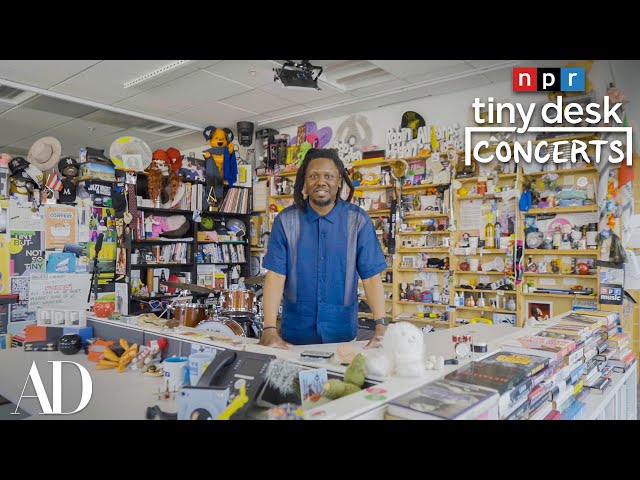
A Behind the Scenes Look at NPR’s Tiny Desk Concerts. I loved the part about all the stuff the artists leave behind: “Chappell Roan’s wig is actually sitting on Cypress Hill’s skull.” kottke.org/25/07/a-behind-the-…

In what may be a Canadian first, a human rights tribunal has affirmed the right of an immunocompromised person to seek workplace accommodations.

Disability advocates are praising the decision, saying it broadens the concept of accessible workplaces.

pressprogress.ca/human-rights-…

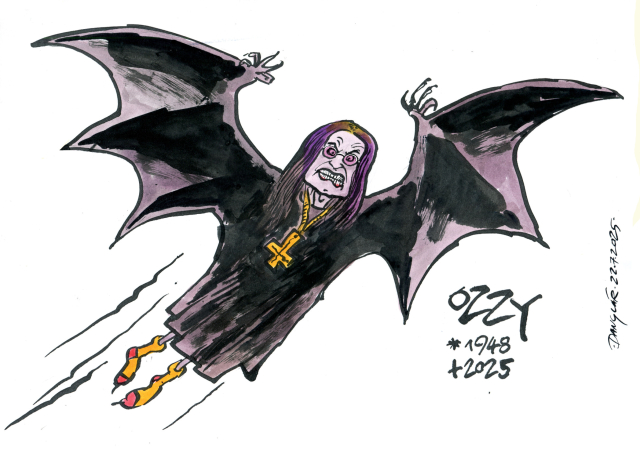
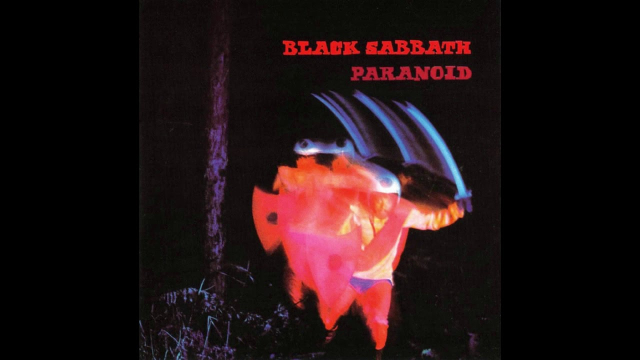
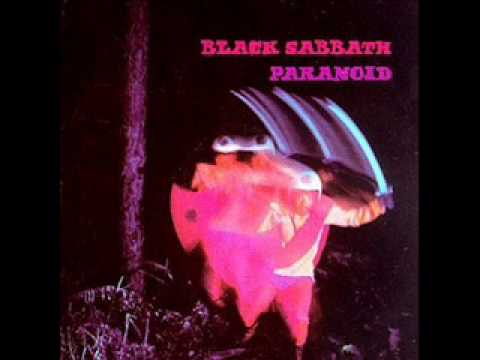
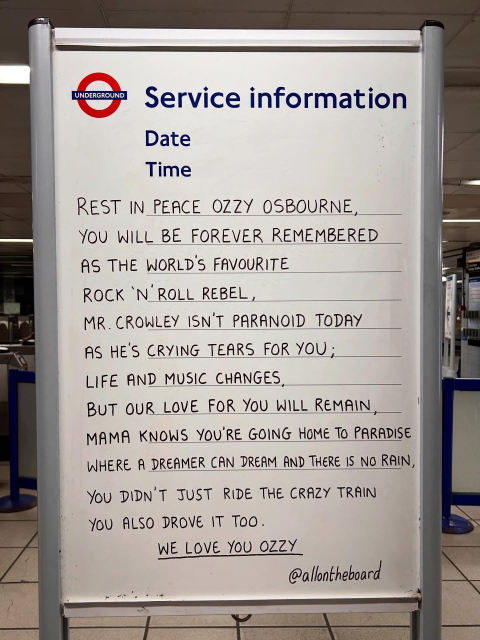
Godspeed Ozzy Osbourne, may you rest in peace! I grew up listening to your songs. The world is less cool now that you're not around. Say hi to Randy and Lemmy.

youtube.com/watch?v=DW3pZjmS3r…

This entry was edited (5 months ago)

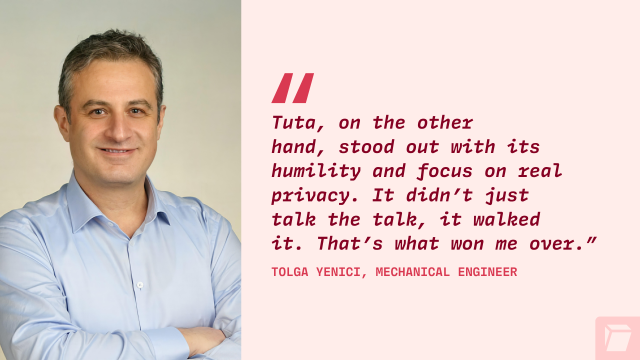
Zitat aus dem Tuta-Blog: „#Tuta hingegen stach durch seine Bescheidenheit und seinen Fokus auf echten Datenschutz hervor. Es hat nicht nur darüber geredet, sondern diesen auch gelebt. Das ist es, was mich überzeugt hat.“

Ich möchte mir diese drei Sätze zu eigen machen 😀

tuta.com/de/blog/tuta-user-int…

@Tutanota

This entry was edited (5 months ago)

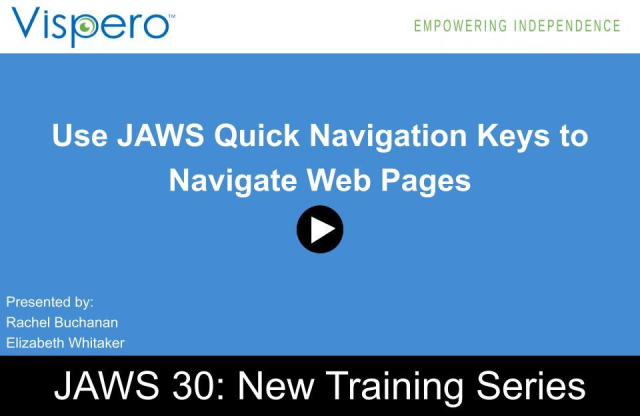
To celebrate 30 years of JAWS, we're launching a new training series highlighting notable features available in JAWS.

In our first session, we cover Quick Navigation Keys; what they are, how to use them, and how they make browsing the web more efficient with JAWS.

Listen to or watch the training here:
freedomscientific.com/webinars…

#JAWS #JAWS30 #FreedomScientificTraining

Kelly Sapergia reshared this.

in reply to Sean Randall

@cachondo Thank you for being a long time JAWS user. We wanted to create a training series to celebrate features that had a huge impact at the time of their release. This training series is also designed to help ones who are new to using JAWS, some of whom were not even born yet in 2002, learn about all the features available in JAWS. Maybe you know someone new to using a screen reader that may benefit from this training?

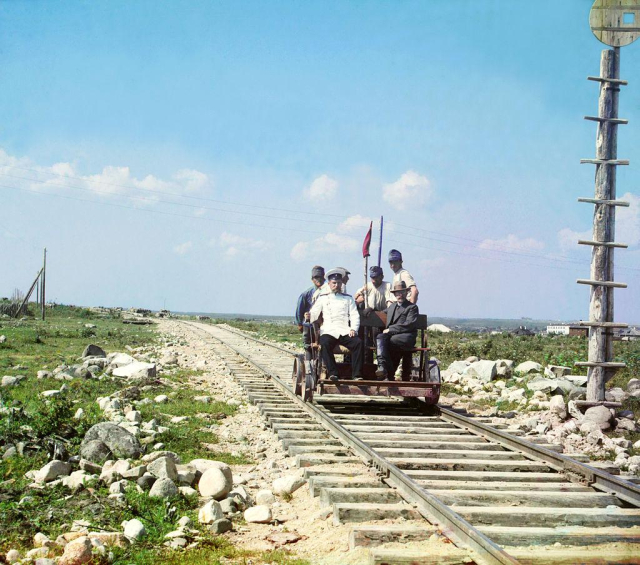
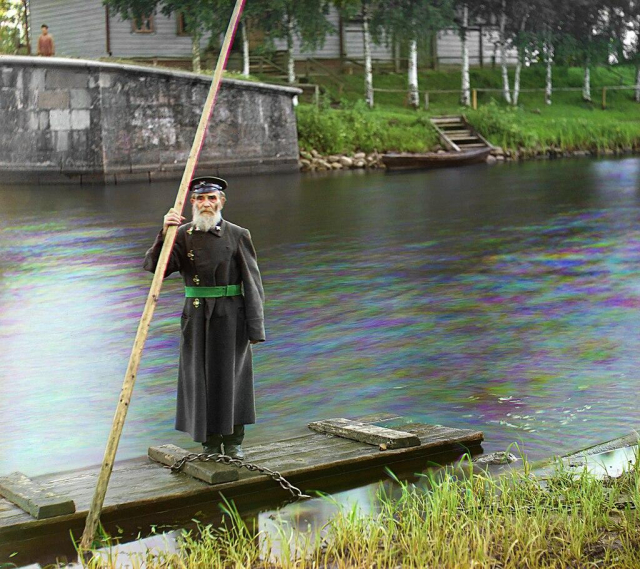
wanna give a huge shout-out to Sergey Prokudin-Gorsky for gifting us some absolutely stunning colour photographs from Russia in the 1910s.

YEAH YOU READ THAT RIGHT. he took three photographs of each subject, through coloured filters, and then projected the images again through the filters and superimposed them.

and thus, we have colour photography of early 20th century Russia. and it's beautiful.

en.wikipedia.org/wiki/Sergey_P…

commons.wikimedia.org/wiki/Ser…

#History #Photography