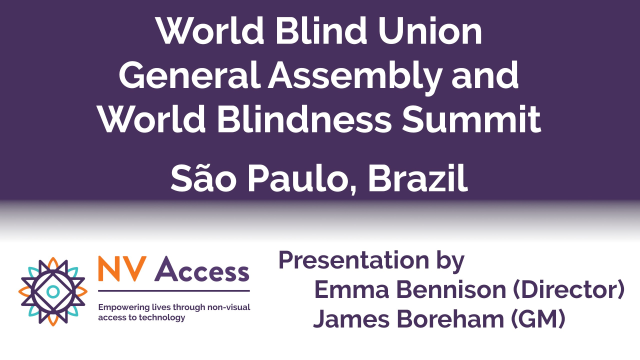
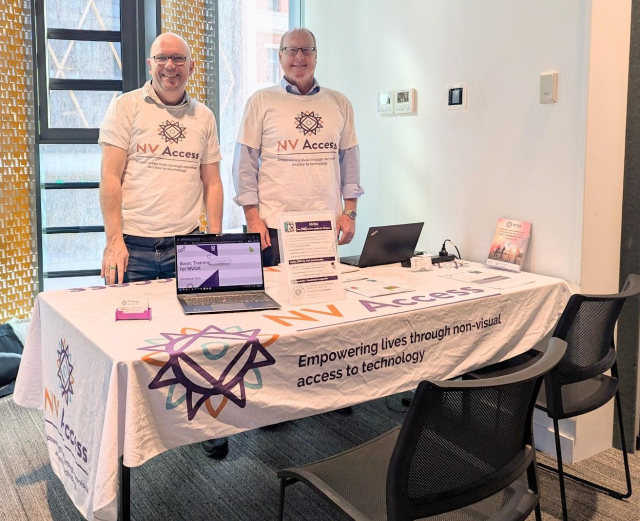
The World #Blind Union General Assembly and World #Blindness Summit in São Paulo, #Brazil in September was an amazing opportunity not only to talk about NVDA, but to give a presentation on the amazing MOVEMENT behind the world's favourite free #screenreader! We have two videos of the presentation and a full transcript for you, complete with an audience-initiated chant of "#NVDA NVDA NVDA!" at the end!
Search
Items tagged with: screenreader
Release v4: A Lot Of Good Volunteers · fastfinge/eloquence_64
As with any open source project, 64-bit eloquence wouldn't be possible without the community behind it. This release brings us the following: fixes to indexes, and further code simplification (Tha...GitHub
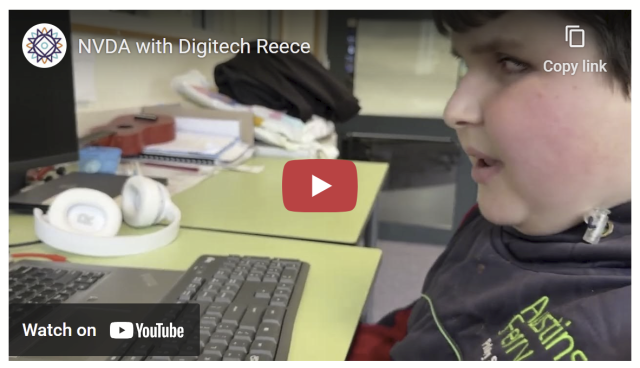
If you saw our recent post on here about Reece, the young boy from Australia who got the ABC to put audio description on "Behind the News", then you'll love this follow up video he made especially about NVDA. It is THE feel-good piece to watch this holiday season!
nvaccess.org/post/NVDA-with-Di…
#NVDA #NVDAsr #ScreenReader #Accessibility #MakingADifference #Empowering #GoodNews #Technology #FeelGood
Just discovered an incredible resource for accessible Bible study: World Bible Plans
As a totally blind, autistic, chronically ill Christian, finding tools that are both spiritually rich and screen‑reader friendly isn't easy. Their EPUB plans (like the World English Bible with David Guzik's commentary) have proper headings for navigation, built-in cross-references, and formatting that makes daily devotions possible without frustration.
I don't know if all their plans are accessible by default, so I suggest mentioning in the “additional requests” box that you're blind and need screen‑reader friendly formatting. That's what I did, and the result was excellent.
Also note that if you choose a Bible version that isn't in the public domain, the plan will only give you a guide showing which verses to read, not the full text.
If you've struggled with inaccessible study tools, this might be a game‑changer.
#Christian #Bible #BlindChristian #Accessibility #BibleStudy #WorldBiblePlans #ScreenReader
Custom Made for You: Free Bible Reading Plan eBooks
WBP offers custom-made free bible reading plans with scriptures and commentaries in your language : Custom-made specifically for you per your requirements .worldbibleplans.com
I am working on some Gemini related stuff (the protocol, not Google AI) and would be interested in hearing about how Gemini stacks up from an accessibility perspective. Are there any specific clients or screen readers that work best? Is there any specific Gemini formatting that helps or hinders? Is there any accessible-specific content that you think should be made available via Gemini?
On a related note, am I wrong in thinking that Gemini is well suited to a low/no vision user? And if so, why?
This week's In-Process is a bumper one - but don't miss it because as well as all the news on NVDA 2025.3.2, more on configuration profiles and the NEW Web interface for the add-on store, we've also got a BLACK FRIDAY SALE!
All that and EVEN MORE at: nvaccess.org/post/in-process-2…
#NVDA #NVDAsr #ScreenReader #BlackFriday #BlackFriday2025 #Sale #Accessibility
Yesterday an open-source developer Christian has released life changing update to the privacy respecting #android app called #MakeACopy. The app now features so called #accessibility mode that is enabling #screenReader users to take pictures of the paper documents independently.
Accessibility guide is available on github.
The latest prerelease version provides clear Accessibility guidance phrases with screen readers such as Talkback, Corvus, Jieshuo and others that can handle announcement accessibility event.
I am verry happy about this. We are now getting privacy respecting open-source based screen reader accessible solution that performs very well and is easy to use.
The prerelease version can be downloaded at
github.com/egdels/makeacopy/re…
makeacopy/docs/accessibility_mode_guide_en.md at main · egdels/makeacopy
MakeACopy is an open-source document scanner app for Android that allows you to digitize paper documents with OCR functionality. The app is designed to be privacy-friendly, working completely offli...GitHub
NV Access is pleased to announce that version 2025.3.2 of NVDA, the free screen reader for Microsoft Windows, is now available for download. We encourage all users to upgrade to this version.
This is a patch release to fix a security issue.
Full info and download at: nvaccess.org/post/nvda-2025-3-…
#NVDA #NVDAsr #ScreenReader #Accessibility #NewVersion #Release #Update #Download #FOSS #Free
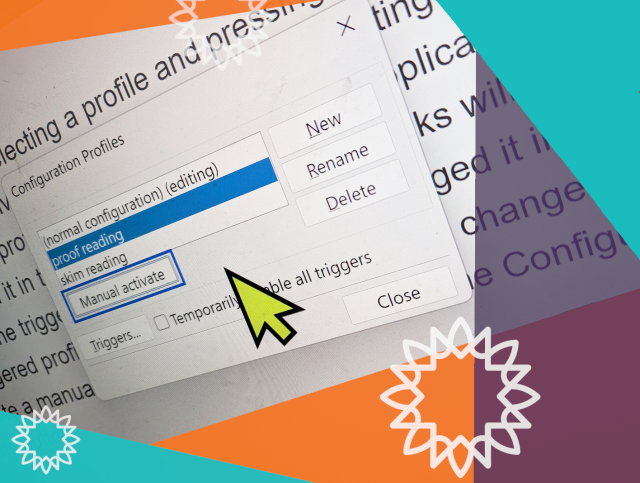
Who here uses manual configuration profiles in NVDA? What do you use them for? Do please let us know!
And if you're not sure what configuration profiles are all about, check out the recent In-Process blog, which covered them: nvaccess.org/post/in-process-1…
This week's In-Process blog post is out! Featuring:
- NVDA 2025.3.1
- Reece gets Behind the News with Audio Description
- Manual configuration profiles
- Featured add-on: “Check Input Gestures”
- Bonus tip: Report keystroke
Read it here: nvaccess.org/post/in-process-1…
(Or subscribe for future issues at: nvaccess.org/newsletter ).
It's definitely worth it for Reece at least, he's a little firecracker!
#NVDA #NVDAsr #Blog #Newsletter #News #BTN #Tips #ScreenReader
I've said it before, but it's disappointing when small things let down the #accessibility of an otherwise good interface.
For instance, I've told many people that the Tailscale web UI is actually quite good with a #screenReader. Unfortunately, the first thing an NVDA user hears after authenticating is a bunch of nonsense caused by an unlabelled SVG, and it doesn't create the best first impression:
"
banner landmark visited link graphic graphic
visited link graphic graphic
"
If you have to use .NET apps that seemingly have a bunch of unlabeled buttons, but object navigation reveals text inside, this might help some. No guarantees, and if it breaks you get to keep both pieces :P #foss #NVDA #screenReader #blind
GitHub - zersiax/dotnet_fix: NVDA scratchpad script to fix various .NET UI annoyances
NVDA scratchpad script to fix various .NET UI annoyances - zersiax/dotnet_fixGitHub
That is all.
FS is relying on organizations like schools and governments where paying hundreds and hundreds of dollars is normal and expected and you can't just install an addon to an existing app. This does not work outside of those organizations. The blind kid who wants to listen to memes and keep up with their friends doesn't have several hundred dollars per year, but they probably know that they can go download a free screen reader that will let them listen to memes and keep up with their friends.
NVDA is winning because it's good enough for most people and costs nothing. If you do have the money to spare for a license and you want to use JAWS because you prefer it, that's fantastic! I'm glad you found a screen reader that you like. Most people will choose the free option because they just wanna listen to their favorite streamer while they type up their research paper.
#blind #AccessForAll #ScreenReader #nvda #jaws #jaws26
Presentamos a @jmdaweb, ingeniero de software y consultor de accesibilidad en Plexus.
Es presidente de la Comunidad Hispanohablante de NVDA,, y está certificado como Web Accessibility Specialist (WAS) por la IAAP.
🛠️ En esta primera edición de la a11yConf ofrecerá el taller:
“NVDA para desarrolladores: escucha lo que tu interfaz esconde”.
📍 Girona, 29 de noviembre
🌐 a11yconf.com/es/agenda#JoseMan…
#A11Y, #AccesibilidadDigital, #ScreenReader, #Lectordepantalla, #Workshop, #Taller, #Inclusión, #DesarrolloWeb, #Girona
a11yConf - Conferència d'Accessibilitat Web
a11yConf - Jornada d'accessibilitat digital a Gironaa11yconf.com
How is the state of PDF #accessibility on macOS for #screenReader users? If I gave someone a PDF that was prepared in a fully #accessible way, what would they use to read it with #VoiceOver, and to what extent would the accessibility be retained?
Note that I'm specifically not interested in applications that strip out all of the text to essentially make a plain version. Those can be useful when you just need to read something and don't care how, but the degree to which accessible semantics like headings, tables, lists, etc. are kept at that point is usually zero.
I'm also not asking about applications that reinvent the accessibility for PDFs and ignore what's already there, as many browsers do.
NV Access is pleased to announce that version 2025.3.1 of NVDA, the free screen reader for Microsoft Windows, is now available for download. We encourage all users to upgrade to this version.
This is a patch release to fix a security issue and a bug.
Read the full changes and download at nvaccess.org/post/nvda-2025-3-…
Our In-Process blog is out! This time featuring:
- NVDA 2025.3.1 Release Candidate
- See Differently Tech Fest
- Typing Tutors
- Single Key Navigation Poll
- Featured Add-on: Screen Wrapping for NVDA
All this and more available to read now: nvaccess.org/post/in-process-2…
Don't follow us on social media and never saw this post? Then sign up to receive the blog via email! nvaccess.org/newsletter
#NVDA #NVAccess #Newsletter #Blog #News #ScreenReader #Accessibility #PreRelease #Typing #Poll
Obviously this is awful HTML, but it works fine, if you can see. There's a big fat button with "DOWNLOAD!" in all caps on the screen. Clicking this button starts the download. Seems good, no?
Well, no. This div has no actual textual content, and the anchor tag has no href or text either. So this huge honking button is entirely invisible to screen readers. How do I even begin to explain this to, say, a customer support rep? :)
#screenreader #thanksguys
NVDA 2025.3.1 Release Candidate is now available for testing.
This is a patch release to fix a security issue & a bug.
- Fixed a vulnerability which could prevent access to secure screens via Remote Access.
- Remote Access now returns control to the local computer if it locks while controlling the remote computer.
#NVDA #NVDAsr #PreRelease #News #NewVersion #Update #ScreenReader #Security
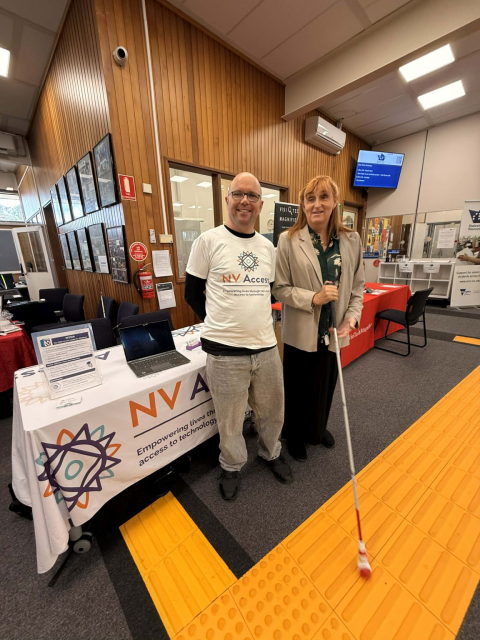
Are you in Adelaide today? Come down to U-City where See Differently are hosting Tech Fest. There are lots of organisations here with everything to help you make the most of your tech - including James and Quentin from NV Access!
#SeeDifferently #TechFest #NVDA #NVAccess #technology #screenReader
And of course the Section 508 website is not helpful. Sigh.
section508.gov/create/alternat…
#accessibility #AltText #ScreenReader
Section508.gov
Section508.gov is the official U.S. government resource for ensuring digital accessibility compliance with Section 508 of the Rehabilitation Act (29 U.S.C. 794d).Section508.gov
Hello Masto-peeps who use screen readers!
I just learned that I need to put alt text on URLs for more accessible PDFs, but -- what should it say?
I am formatting academic citations that include a URL, so all the information about where that link will take you is in the text. I don't want it to read the URL to you and I don't want to just repeat the same information you just heard. What do you find most helpful in this situation?
Pls boost for reach!
This week's In-Process is out and it's a bumper edition! We've got:
1. NVDA 2025.3
2. Obtaining NVDA
3. Add-on of the week: AudioScreen
4. Chrome bug fix
5. Planned infrastructure outage notification
6. Bobby Singh – Finding Light Through NVDA
7. New issue template
Yes SEVEN articles! There's something for everyone :)
nvaccess.org/post/in-process-3…
#NVDA #NVDAsr #ScreenReader #Blog #News #Newsletter
In order to use it just select multiple files and find Move to new folder item in the shift+F10 popup menu.
In order to use it just select multiple files and find Rename item in the shift+F10 popup menu or simply press F2. Also... Don't be shy to press the add button in the batch rename dialog.
As the premier free screen reader, #NVDA is very pleased to be trending in South Africa! Thank you to all our South African users, we do appreciate you! We understand the burden commercial software places on #blind users around the world and are glad to be the alternative! If you are new to screen readers, you can find out more about us at: nvaccess.org/
Or watch a short video demonstration at: youtube.com/watch?v=tCFyyqy9mq…
#ScreenReader #NVDAsr #Accessibility
What is NVDA?
A brief overview of some of the things NVDA can do. The video demonstrates the screen reader at work in several programs and using different synthesizers (i...YouTube