The thing about JAWS vs NVDA is that it doesn't matter if @freedomscientific packs it with objectively better features. NVDA is free, easy to use (within the context of desktop screen readers), and it's good enough for the vast majority of screen reader users. Want to browse the web? Want to check your email? Need to type up an assignment? Need to track data with spreadsheets? Want to write some code? Want to run virtual machines? Just wanna keep up with your communities on Discord? Want to test your app for accessibility? NVDA can do all of those things. There is no faffing, no caveats, no running obscure commands, and no license to install. You download it. You install it. You run it. That's it. Want it to do more stuff? Open the addon store which is built into NVDA. If you know Python, you can write your own addons and share them with other users. FS is relying on organizations like schools and governments where paying hundreds and hundreds of dollars is normal and expected and you can't just install an addon to an existing app. This does not work outside of those organizations. The blind kid who wants to listen to memes and keep up with their friends doesn't have several hundred dollars per year, but they probably know that they can go download a free screen reader that will let them listen to memes and keep up with their friends. NVDA is winning because it's good enough for most people and costs nothing. If you do have the money to spare for a license and you want to use JAWS because you prefer it, that's fantastic! I'm glad you found a screen reader that you like. Most people will choose the free option because they just wanna listen to their favorite streamer while they type up their research paper. #blind #AccessForAll #ScreenReader #nvda #jaws #jaws26
How is the state of PDF #accessibility on macOS for #screenReader users? If I gave someone a PDF that was prepared in a fully #accessible way, what would they use to read it with #VoiceOver, and to what extent would the accessibility be retained?
Note that I'm specifically not interested in applications that strip out all of the text to essentially make a plain version. Those can be useful when you just need to read something and don't care how, but the degree to which accessible semantics like headings, tables, lists, etc. are kept at that point is usually zero.
I'm also not asking about applications that reinvent the accessibility for PDFs and ignore what's already there, as many browsers do.
NV Access is pleased to announce that version 2025.3.1 of NVDA, the free screen reader for Microsoft Windows, is now available for download. We encourage all users to upgrade to this version.
This is a patch release to fix a security issue and a bug.
It is a shame how little control #WebDevelopers have over the #ScreenReader user experience. Blind folks are getting the audio version of the black text on white background experience, without any design or flair.
This is a perfect example of how nebulous #screenReader #accessibility is, and why it confuses so many laymen. I am looking at a web page right now that has a "Download" button. The button is an a (anchor) tag, with a div inside of it with the CSS class for a download button. Obviously this is awful HTML, but it works fine, if you can see. There's a big fat button with "DOWNLOAD!" in all caps on the screen. Clicking this button starts the download. Seems good, no? Well, no. This div has no actual textual content, and the anchor tag has no href or text either. So this huge honking button is entirely invisible to screen readers. How do I even begin to explain this to, say, a customer support rep? :)
The Zed code editor is now available for Windows. To save anybody else wasting their time trying it with a #screenReader, it isn't #accessible so don't bother. #accessibility
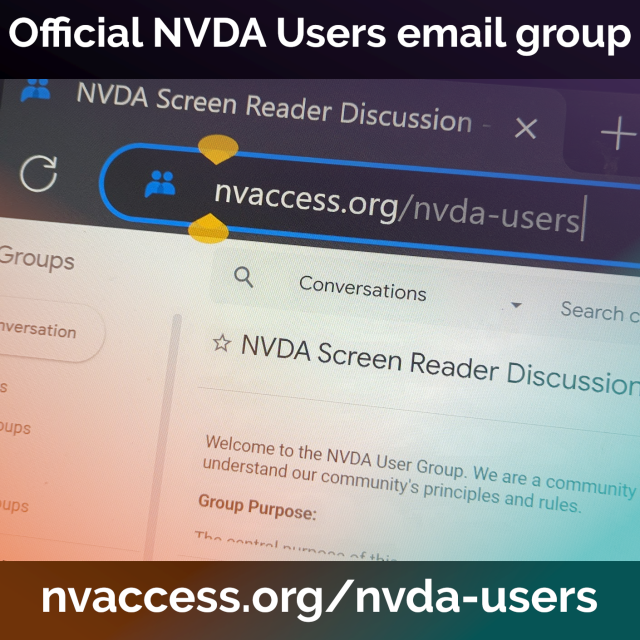
while I'm at the topic of #screenreaders - just found out NVDA is a project by 'NV Access' - an Australian non-profit that develops NVDA as a free, open source screen reader for WIN nvaccess.org/download #screenreader #thanksguys
OK #Blind #Linux people, is it really worthwhile to consider dual booting @elementary or at least testing it out in a VM? I’m probably not going to be able to give up windows completely, correct? What can I do natively under Lennox and what can’t I do? How is word processing, spreadsheets, making presentations? How about editing music notation? what works, what doesn’t, and what am I going to be giving up in terms of time and efficiency? Boosts appreciated and input very much welcome. #BlindMasto #BlindMastodon #BlindFedi @mastoblind @blind #OpenSource #ElementaryOS #ScreenReader #Accessibility #A11Y
Shower thought: I wonder if any #blind kids today are growing up on espeak the way we grew up on eloquence? Is there a future where espeak is out of date and ancient, and people are clinging to it with the desperation people today cling to eloquence and dectalk? Honestly y'all, espeak read isn't that bad. I just wish espeak was usable on IOS; the available app is old and littered with bugs. #a11y#screenreader#accessibility
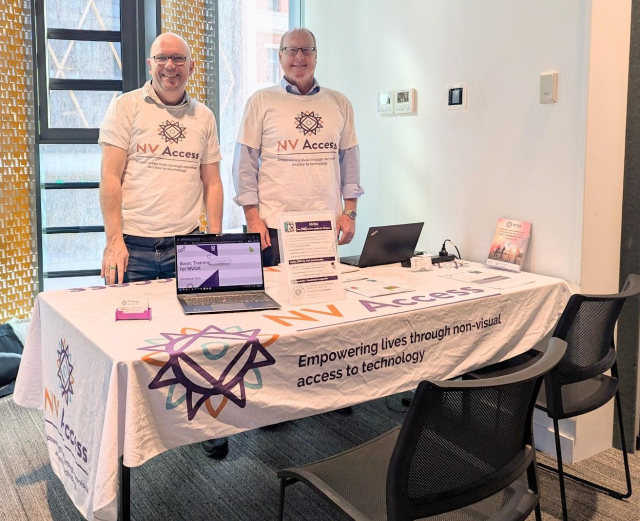
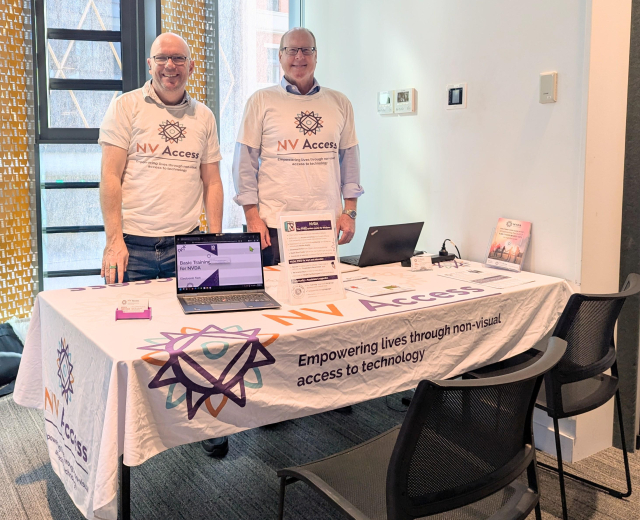
Are you in Adelaide today? Come down to U-City where See Differently are hosting Tech Fest. There are lots of organisations here with everything to help you make the most of your tech - including James and Quentin from NV Access!
2 / 2: Did you know @GNOME Files aka #nautilus has a nifty feature where it can move selected files into a newly created folder? #ScreenReader #a11y is preserved. In order to use it just select multiple files and find Move to new folder item in the shift+F10 popup menu.
1 / 2: Did you know @GNOME Files aka #nautilus has a nifty feature where it can batch rename files? Advanced features include adding sequential numbering, using placeholders and doing search and replace on the names of selected files. #ScreenReader #a11y is preserved. In order to use it just select multiple files and find Rename item in the shift+F10 popup menu or simply press F2. Also... Don't be shy to press the add button in the batch rename dialog.
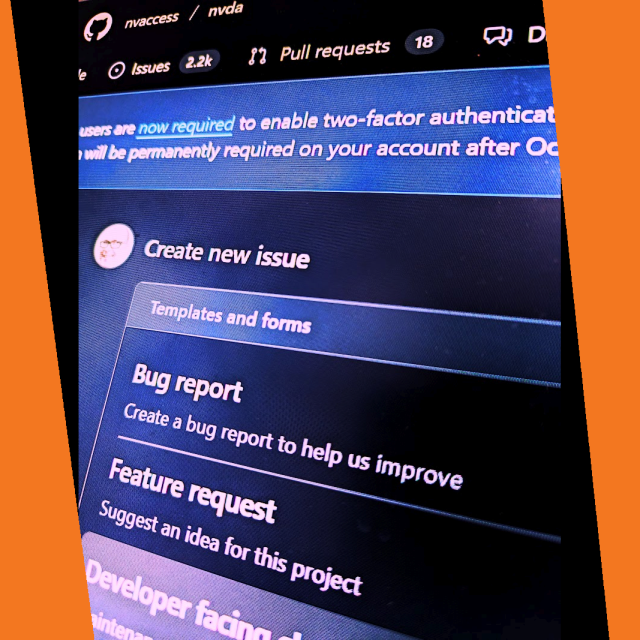
We are pleased to announce we have rolled out a new, more intuitive issue template for reporting bugs or requesting features in NVDA. The form is still on GitHub & still requires the same information as previously, but now uses individual fields rather than one long edit box with comments. You can explore here (Note it IS live so if you submit an issue, it will be submitted as an actual issue): github.com/nvaccess/nvda/issue…
The NVDA 2025.3 Release Candidate is now available for testing. We encourage all users to download this RC and provide feedback. Unless any critical bugs are found, this will be identical to the final 2025.3 release.
This release includes improvements to Remote Access, SAPI5 voices, braille and the Add-on Store.
NVDA 2025.3 Beta 1 is available for testing! Improvements to Remote Access, SAPI5, Braille, Add-on Store, and more! Read the full update and downloaad from: nvaccess.org/post/nvda-2025-3b…
NV Access is pleased to announce that version 2025.2 of NVDA, the free screen reader for Microsoft Windows, is now available for download. We encourage all users to upgrade to this version.
This release includes improvements in Windows 11, browse mode, and Microsoft Word. Plus improved Braille display support, updated LibLouis and eSpeak-NG & more!
I've been an email hosting customer with #MythicBeasts (@beasts) for just under a day and a half, and I'm honestly very impressed. I opted for their email only plan since I already have webspace somewhere else. The main website and control pannel UI are very accessible to #blind #ScreenReader users like myself, with sections clearly structured with headings, pretty much no unlabelled links, buttons or other elements, and no annoying ads, pop-ups or anything else that could hijack a screen reader or lag a browser to pieces. I contacted them about an issue I'm having yesterday and the initial reply, *human* reply that is, took just over 10 minutes. The issue is still ongoing as of now, but I'm confident that it will be fixed soon; I did contact them at the backside of the working day after all. Not bad at all for the monthly price of just under a fiver! Also, bonus points for being a 2000s ISP, having started in the year 2000.
Our In-Process blog is out! This week featuring: - NVDA Satisfaction Survey 2025 - NVDA 2025.2 Beta 5 - How to test an NVDA Beta? - Extra voices updates (Including Eloquence and Vocalizer)
At NV Access we are always interested in understanding the satisfaction of our NVDA users. Plus we like to understand clearly what is important to you and also identify what we can do more effectively. We encourage you to complete the NVDA Satisfaction Survey 2025 to assist us with improving the NVDA user experience. It is a short, three question survey, which is anonymous and does not require signing in.
At NV Access we are always interested in understanding the satisfaction of our NVDA users.
Plus we like to understand clearly what is important to you and also identify what we can do more effectively.
I often get asked about how I do software development with a #ScreenReader and I also have some thoughts about #DevTool #Accessibility. Finally found the time to write my thoughts down properly.
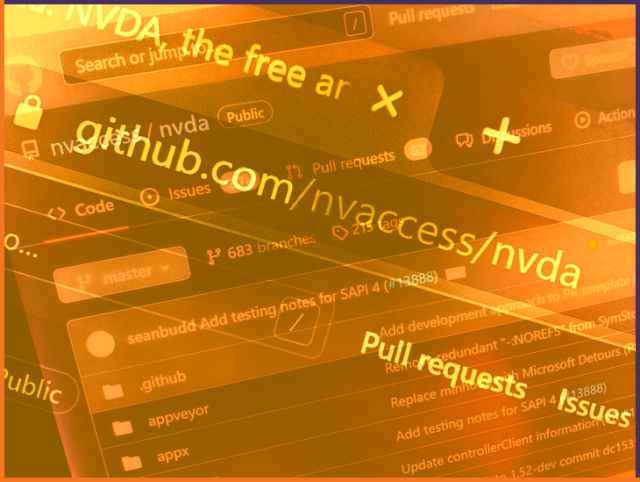
Are you a developer looking to make a difference? NVDA is on GitHub with an enthusiastic community of people who report issues, test bugs & features & submit code to improve NVDA. Now is an exciting time to become involved in a not-for-profit. Use your skills to directly impact the lives of blind & vision impaired people around the world! Find out more, read the developer docs & join in at: github.com/nvaccess/nvda
Here's a quick demo on how to enable TTS on the Nintendo Switch 2 from the home screen. Hopefully these menus are the same across all devices, though I have no way to know that for certain.
Edit: For other blind Switch/Switch 2 owners, I started a WhatsApp group to discuss the accessibility of the console and it's games. DM if you'd like to join.
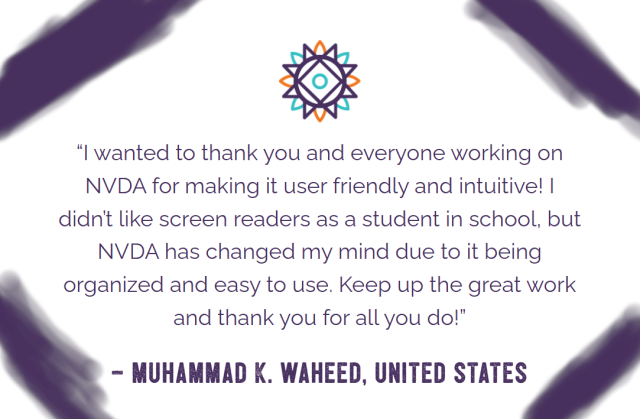
Making a difference for kids in school, enables them to make a difference as adults in their community. Does your school have a student who could benefit from a screen reader? And a budget which could benefit from it being FREE? We have the solution!